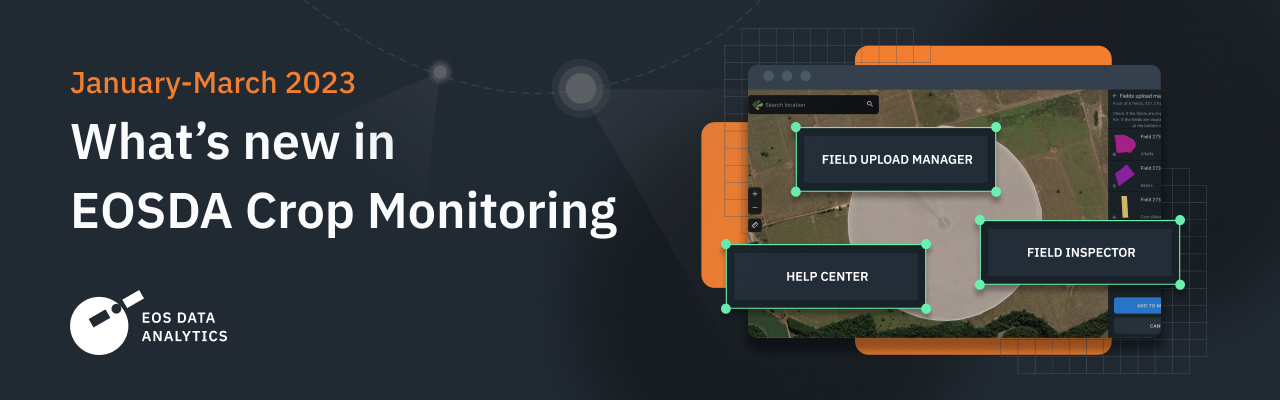
EOSDA Crop Monitoring continuously evolves, introducing new features that help to embrace precision agriculture in the fullest and most efficient way. The first quarter of 2023 is already behind, so it’s time to summarize our progress for the last three months in this quick digest about the hottest updates.
Field Inspector
To streamline the navigation through fields that require attention, we added a Field Inspector. This new feature tracks changes in vegetation indices on each field and highlights the level of risk on the Field List. Handy tags as well as an alert at the top make it easy to skim through the latest NDVI fluctuations and decide which fields need more precise observation.
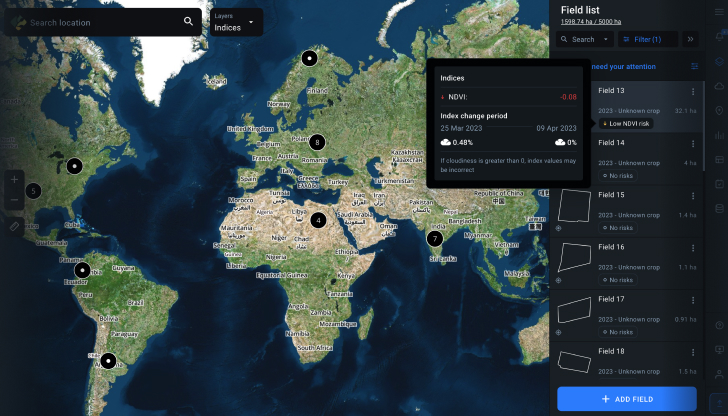
Apart from the main risk features like High NDVI change and Low NDVI change, Field Inspector also shows tags like No data (the latest satellite data is unavailable at the moment), No risks (NDVI is within normal limits), Limited Access (Field Inspector is not allowed on this field).
To filter the results by low or high risks for the purposes of analysis, users can click the “fields that require attention” alert at the very top of the Field List. They can also choose “Show only fields with risks” to focus specifically on the presumably problematic areas.
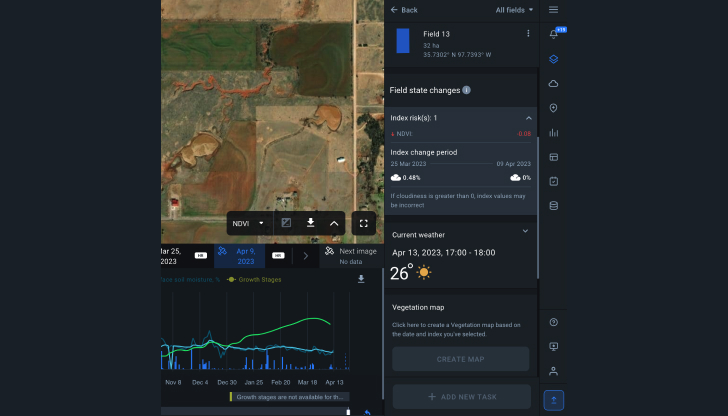
A new block Field state changes on the field analytics page shows the number of risks on the field, NDVI change value between the two last images, dates, and cloudiness of those images, as in the risk panel on global layers.
Fields Upload Manager
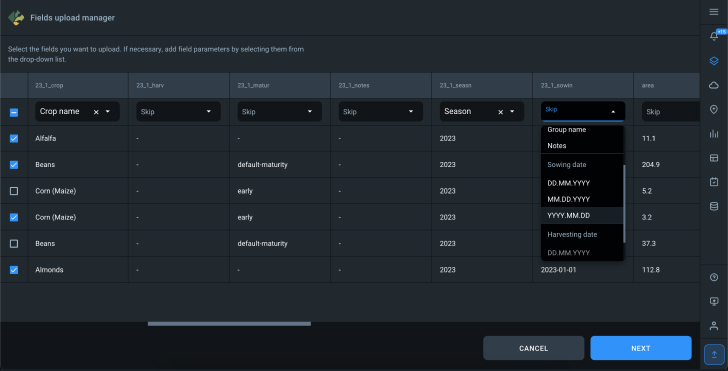
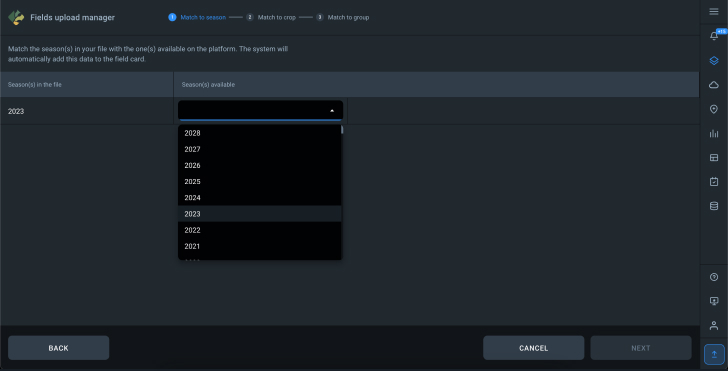
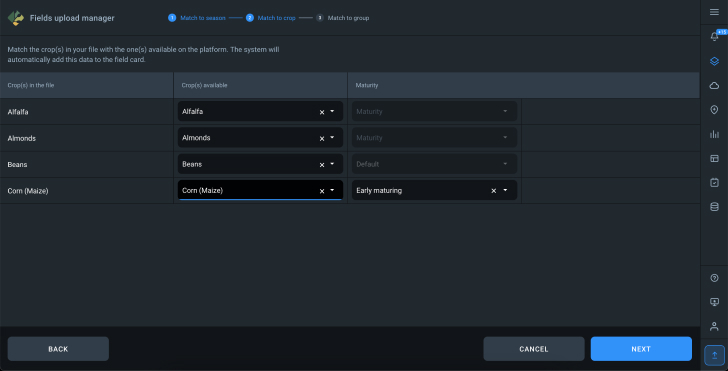
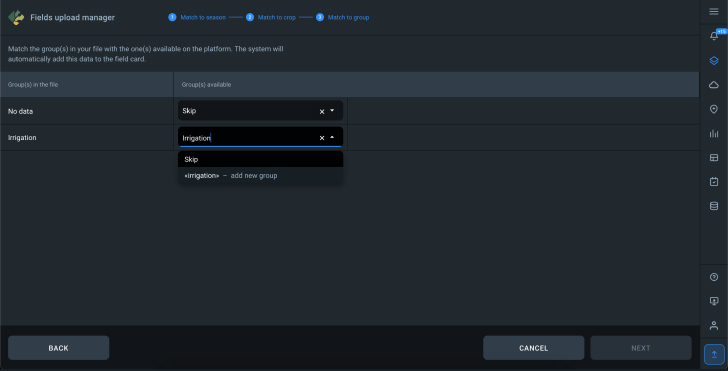
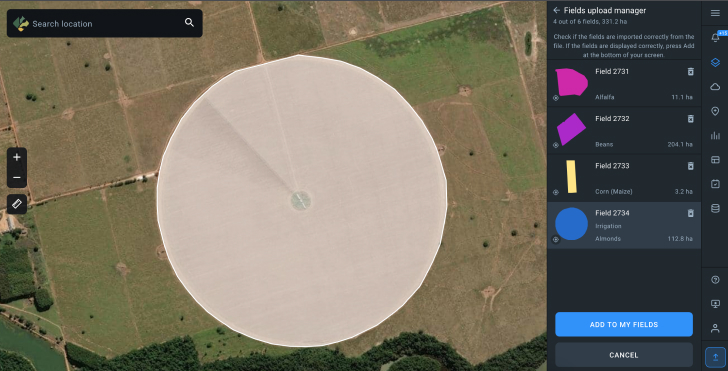
With a newly introduced Fields upload manager, users can easily transfer field parameters from external files into EOSDA Crop Monitoring. The accepted file formats are SHP, KML, KMZ, and GEOJSON. Enterprise users can not only upload fields of certain polygons and geolocations but also operate context-rich data, ensuring the correct season, crop type, sowing date, and more.
Help Center
The Help Center menu item was added to the bottom right corner of the menu bar. Click on it to find helpful information from the user guide, precision agritech case studies, and a link to contact our experts personally.
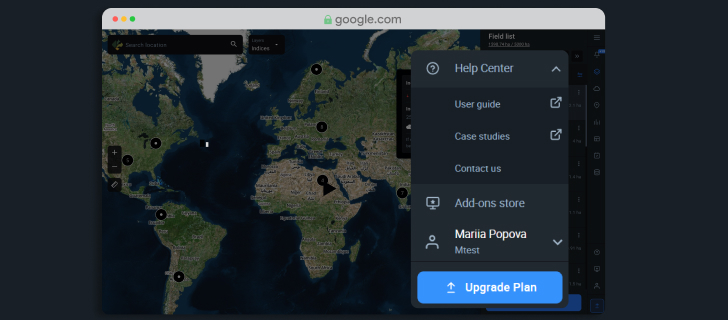
We appreciate your contribution, so if you have any suggestions, questions, or comments about EOSDA Crop Monitoring, feel free to reach out to us by using our contact form. We are committed to continuous growth and your experience with the platform leads us on our way forward.
About the author:
Rim Elijah holds a double degree in business administration and political science from Stockholm University. As a VP of Sales at EOSDA, she oversees all aspects of business model development and implementation and the growth of the company’s global coverage. She has successfully established a number of strategic partnerships with an emphasis on sustainable solutions in Africa and Asia.
Sign up today and get access to 3 months of field monitoring history for free.
More news
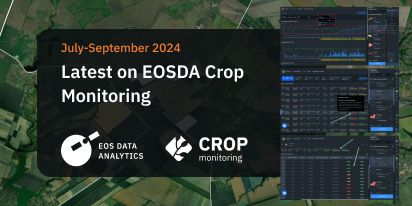
Mask, Layer, And Indices: New In EOSDA Crop Monitoring
Explore the new features added to EOSDA Crop Monitoring in Q3 2024: cloud/shadow mask management, Planet data integration, new indices, activity recommendations, and mustard growth stages.
EOSDA Crop Monitoring Adds John Deere Data Integration
EOSDA Crop Monitoring users can add their John Deere data to the platform for automated data transfer and optimized VRA mapping capabilities.
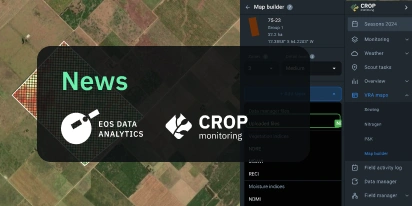
EOSDA Crop Monitoring: Map Builder Feature Rolled Out
EOSDA Crop Monitoring users can now leverage their machinery’s yield data to optimize input use and crop performance with the VRA mapping capabilities of the Map Builder feature.